
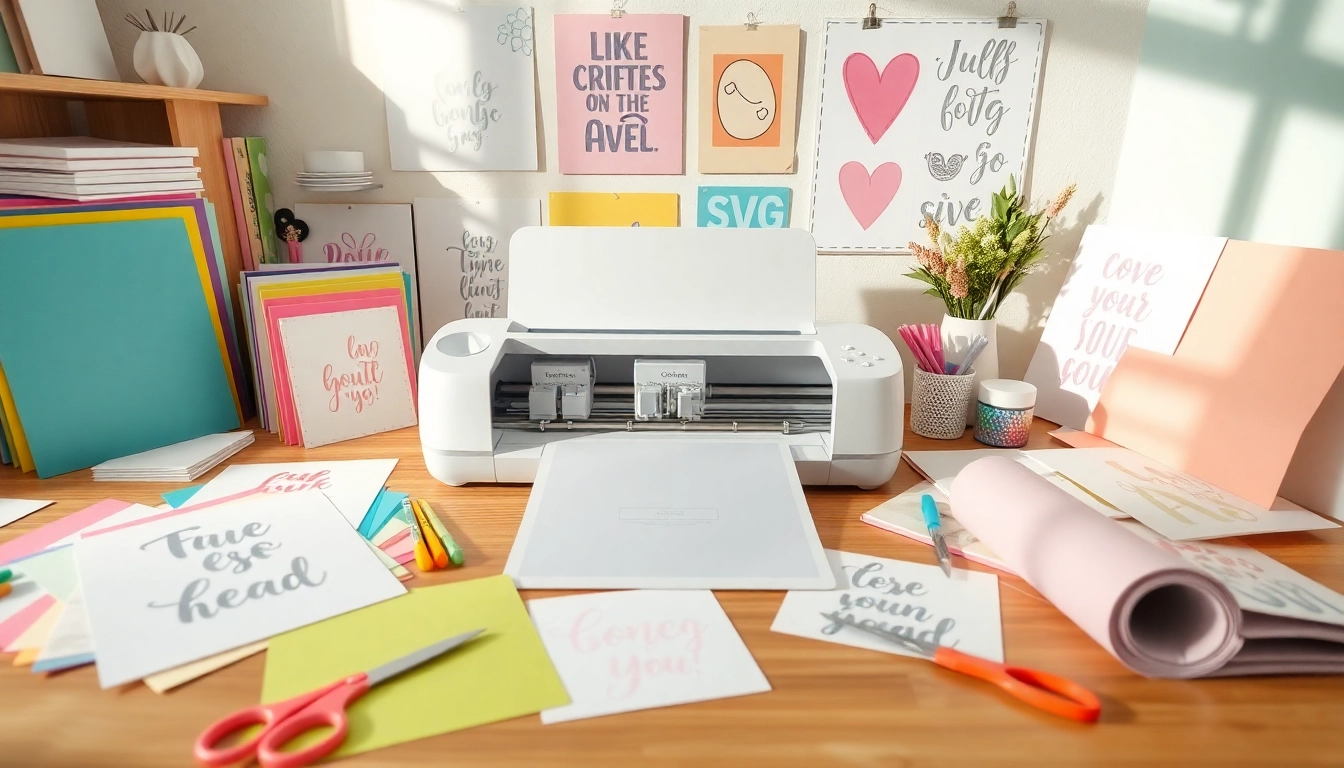
Understanding Cricut SVG Files
In the dynamic world of crafting, Cricut SVG files stand out as a vital resource for DIY enthusiasts and professionals alike. Whether you’re looking to create custom apparel, intricate home décor, or personalized gifts, understanding how to effectively utilize and design with Cricut SVG files can elevate your projects significantly. This guide will dive into the nuances of SVG files, enabling you to harness their potential fully.
What is a Cricut SVG?
A Cricut SVG (Scalable Vector Graphics) file is a digital design format that tells cutting machines like the Cricut how to cut, draw, or write. Unlike raster images, SVG files maintain their quality regardless of size, making them perfect for intricate designs. They consist of paths, not pixels, which allows for smooth lines and detailed cuts on various materials, including vinyl, paper, and fabric.
The Importance of SVG Files in Crafting
SVG files are crucial in the crafting community because they provide versatility and precision. Crafting with SVG files allows crafters to create complex designs that are scalable and editable. This adaptability is particularly beneficial for personalized gifts or themed projects, enabling users to tailor designs to their specific needs.
Key Features of Quality Cricut SVG Designs
- Scalability: SVG files can be resized without losing quality, making them ideal for any project size.
- Editable: These files can be easily modified in design software, allowing for custom tweaks.
- Compatibility: High-quality SVG files are compatible with various cutting machines, not just Cricut.
- Layering: Many SVG files come with layered designs, offering a professional finish to projects.
Finding the Best Cricut SVG Resources
With the increasing demand for unique designs, numerous resources are available for finding Cricut SVG files. Whether you’re hunting for free options or willing to invest in premium designs, knowing where to look can save you time and effort.
Top Websites for Free Cricut SVG Files
Several websites offer a plethora of free Cricut SVG files. Some popular options include:
- Design Bundles
- HelloSVG
- SVGCuts
- Caluya Design
These platforms feature a mix of seasonal designs, trending patterns, and timeless classics suitable for various projects.
Evaluating Quality: What to Look For
When sourcing SVG files, it’s essential to evaluate their quality. Look for files that:
- Are tested and proven to work with your cutting machine.
- Include instructions for use, especially for complex designs.
- Feature clear, sharp lines that ensure precise cuts.
- Come with commercial use licenses if you plan to sell your projects.
Community Resources: Forums and Groups
Online communities, such as Facebook groups and Reddit forums, can be invaluable for finding free SVG files. Engaging with fellow crafters provides insights into new resources, tutorials, and creative ideas. Some notable groups include the Cricut User Group on Facebook and the r/Cricut subreddit, where enthusiasts actively share their favorite designs and tips.
Creating Your Own Cricut SVG Files
Creating personalized SVG files can significantly enhance your crafting experience. With the right tools and knowledge, you can bring your unique designs to life.
Software Options for Designing SVGs
To design SVG files, various software options are available:
- Adobe Illustrator: A powerful vector graphic design tool favored by professionals.
- Inkscape: An open-source vector graphic editor that offers robust SVG capabilities.
- Canva: While primarily for raster graphics, Canva allows for basic SVG export.
- Silhouette Studio: Ideal for Silhouette users, it also supports SVG creation.
Step-by-Step Guide to Creating SVG Files
- Choose Your Design: Start with a concept or inspiration for your SVG.
- Open Your Design Software: Launch your chosen SVG design program.
- Create Your Design: Use shapes, lines, and text to build your design, ensuring paths are closed for clean cuts.
- Export as SVG: Save your work in SVG format, ensuring you maintain layers if necessary.
- Test Your File: Run a test cut on scrap material to ensure accuracy.
Common Mistakes to Avoid When Designing
Crafting your own SVG files can be challenging, and avoiding common pitfalls can save time and frustration:
- Not Using Proper Paths: Always ensure that your design lines are closed to avoid cutting issues.
- Overcomplicating Designs: Simple designs often translate better to cuts.
- Ignoring File Settings: Be mindful of size and resolution settings when exporting.
- Skipping Test Cuts: Testing your design on scrap material can prevent future mishaps.
Best Practices for Using Cricut SVG in Projects
Once you have your SVG files ready, knowing how to use them effectively can enhance your crafting outcomes.
How to Import and Set Up Cricut SVG Files
Getting your files into Cricut Design Space is straightforward:
- Open Cricut Design Space: Start the software and select “Upload” to add your SVG file.
- Select Your File: Browse and choose the file you wish to import.
- Adjust Settings: Ensure the file is set up correctly for the material you are using.
- Click “Insert”: Add your design to the canvas and adjust size if necessary.
Tips for Cutting and Weeding SVG Designs
Creating a successful project involves more than just cutting:
- Choose the Right Material: Use compatible vinyl or paper for the best results.
- Adjust Blade Settings: Ensure your blade settings match the material type and thickness.
- Weeding Techniques: Use a weeding tool to carefully remove excess material while keeping your design intact.
Enhancing Projects with Layering Techniques
Layering can add depth and interest to your projects:
- Use Contrasting Colors: Different colored layers can create eye-catching designs.
- Experiment with Textures: Incorporate textured materials for added dimension.
- Careful Alignment: Ensure proper alignment of layers to maintain design integrity.
The Future of Cricut SVG and Crafting Trends
As technology evolves, so does the world of crafting. Understanding upcoming trends can keep your projects fresh and relevant.
Predicted Trends for 2026 in Crafting
Looking ahead, several crafting trends are anticipated to grow in popularity:
- Sustainability: Eco-friendly materials and processes are becoming essential in crafting.
- Interactive Designs: Incorporating technology into crafts, such as AR or QR codes, is on the rise.
- Personalization: Customized, one-of-a-kind items continue to appeal to consumers.
Innovative Tools and Technologies on the Horizon
Advancements in tools will likely make crafting more accessible and exciting:
- AI Integration: Tools that utilize artificial intelligence for design assistance will emerge.
- Smart Materials: Materials that meld with technology, like color-changing vinyl, will gain momentum.
- Enhanced Cutting Machines: New models will feature more capabilities and improved user interfaces.
The Growing Impact of Digital Crafting Communities
As crafting continues to thrive online, community engagement will play a significant role in shaping trends:
- Collaborative Projects: Expect increased collaboration among crafters through shared projects.
- Live Tutorials and Workshops: As platforms support live streaming, real-time crafting sessions will flourish.
- Diverse Representation: More voices from varied backgrounds will contribute to the crafting dialogue.
